
How to create better AI prompts (without learning anything technical)
A simple, repeatable way to ask any AI tool for what you actually want — and get a professional result first time.
By DigiAIGo5 August 2026 5 min read
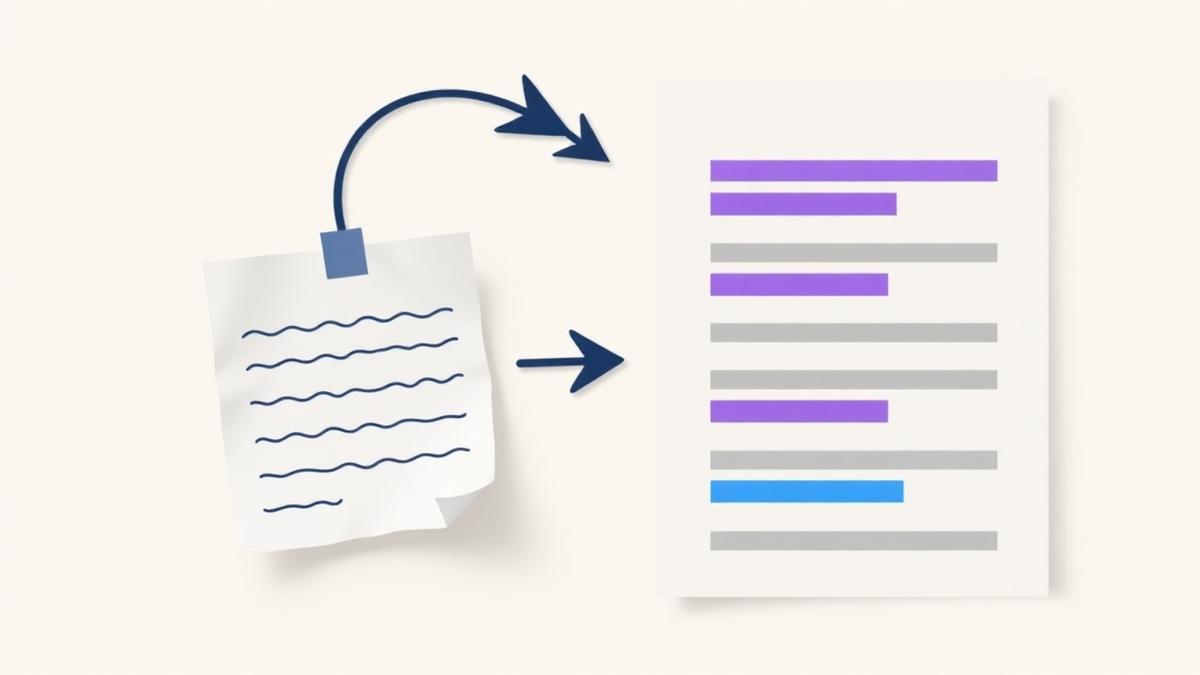
Why most AI results disappoint
Most people type one short line into an AI tool and hope for the best. The tool then has to guess who you are, who you are talking to and what a good result looks like. It usually guesses wrong.
A better prompt is not a clever trick. It is simply a clear brief.
The five things every good prompt contains
1. The role
Tell the tool what it is doing. "You are an experienced copywriter for a small building firm" produces very different wording from a blank request.
2. The task
Say exactly what you want produced, and how much of it. One social post, five captions, a 700-word article.
3. The audience
Describe who will read it. Homeowners in West Yorkshire read differently from finance directors.
4. The detail
Facts, prices, dates, service areas, the offer, the deadline. Anything the tool does not know, it will invent — so give it the facts.
5. The rules
Tone of voice, words to avoid, UK English, no emojis, no fake statistics. Rules are where professional results come from.
A quick before and after
Before: "Write a Facebook post about my plumbing business."
After: "You are a friendly copywriter for a family-run plumbing firm in Leeds. Write one Facebook post, under 80 words, aimed at homeowners who need a boiler service before winter. Mention our free 12-point check and our 24-hour callout. Warm, plain English, UK spelling, no emojis, one clear call to action to phone us."
The second version takes thirty seconds longer to write and saves twenty minutes of editing.
Ask for one change at a time
When something is nearly right, do not start again. Ask for a single, specific change: "keep everything the same, but make the opening line shorter." Rewriting from scratch loses the good parts.
The shortcut
If writing briefs is not how you want to spend your afternoon, you do not have to. Prompt Studio asks you plain questions and produces the finished prompt. And if you would rather skip prompts entirely, the DigiAIGo creation tools produce the finished item for you.
Found this useful?
Send it to someone who would like it too.